


Neither wins alone. Traditional training builds the knowledge employees need; phishing simulation shows whether they can apply it under realistic pressure. The strongest programs combine both in a continuous cycle.
In This Guide
Finishing a Course Is Not Spotting a Real Phish
What Is Traditional Security Awareness Training?
What Is Phishing Simulation?
Side by Side: 8 Key Differences
Benefits and Limits of Each
Which Approach Works Better?
Why Combine Them: a 6-step cycle
How to Measure Both
Choosing Tools and How Penough Connects the Pieces
FAQ, Bottom Line and Keep Reading
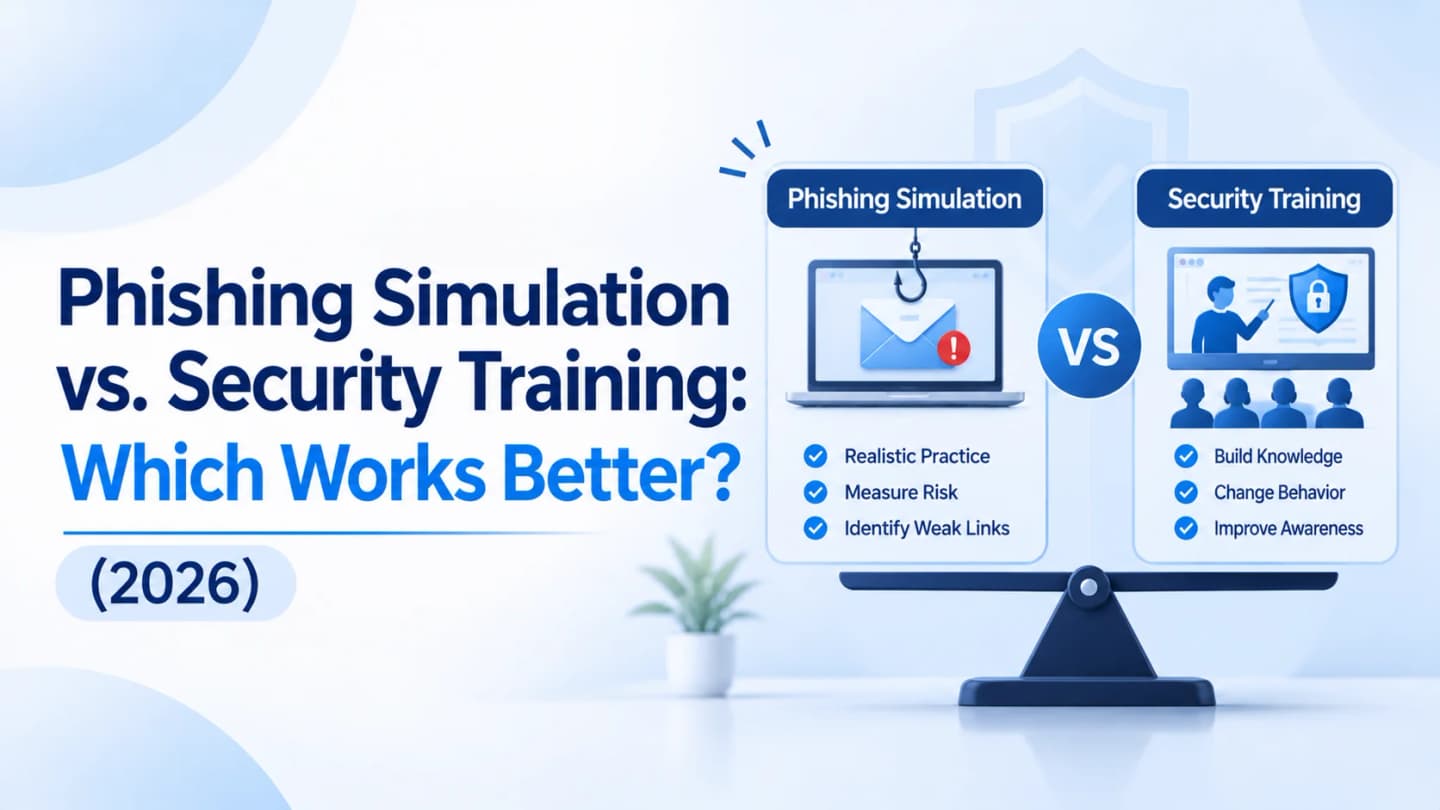
Quick answer: Use training to teach concepts and policy. Use simulation to test and reinforce real behavior. Use both, and measure reporting and behavior, not just completion.
Finishing a Course Is Not Spotting a Real Phish
An employee can complete a cybersecurity course, name the usual phishing indicators and pass a quiz, then still struggle with a busy inbox, urgent requests and everyday deadlines. That gap is why organizations need to look beyond training completion.
Traditional awareness training helps employees understand concepts. Phishing simulation lets them apply that knowledge in controlled scenarios. They measure and support learning differently, so the right question is how to use each.
What Is Traditional Security Awareness Training?
An educational approach that teaches employees about threats, organizational policies and safe digital practices through online courses and video lessons, instructor-led sessions and workshops, written guidelines, quizzes and assessments, and newsletters and reminders. Topics include phishing, passwords, malware, social engineering, data protection, safe browsing and incident reporting.
Example: a session explains phishing and employees learn to check sender addresses, avoid unexpected attachments, verify suspicious requests, recognize odd login pages and report suspicious messages, then take a short assessment. The purpose is to build knowledge and explain what to do. Completing it does not show how someone will respond to a real suspicious message.
For program design, see NIST SP 800-50 Rev. 1 and How to Build an Effective Security Awareness Training Program.
What Is Phishing Simulation?
A controlled exercise where the organization sends simulated phishing messages to evaluate responses, without a genuine malicious attack.
Scenarios: fake account verification, simulated password expiration, delivery or document-sharing notices, supplier payment updates, internal IT or admin requests.
Example: an authorized email says a shared document needs verification. The campaign tracks whether recipients open it, click, try to submit information on a controlled page, or report it. If someone interacts, immediate educational feedback explains the warning signs and the right response.
The purpose is to evaluate practical responses and reinforce learning. A simulation must never collect real passwords or expose employees to genuine malicious content.
First campaign? Follow How to Run a Phishing Test on Employees.
Side by Side: 8 Key Differences
Comparison | Traditional Training | Phishing Simulation |
|---|---|---|
Primary purpose | Build cybersecurity knowledge | Evaluate responses to simulated threats |
Learning method | Courses, videos, presentations, workshops | Controlled phishing scenarios |
Employee involvement | Mostly learning and assessment | Active interaction and reporting |
Evaluation | Quizzes and assessments | Clicks, reports and other campaign responses |
Practical exposure | Scenario explanations | Experience with simulated messages |
Feedback | During or after lessons | Immediate after interaction |
Main value | Understand security practices | Apply and reinforce knowledge |
Limitation | Knowledge does not guarantee behavior | Cannot teach every security concept |
Training teaches what to do. Simulation shows how people respond.
Neither alone gives a complete picture.
Benefits and Limits of Traditional Training
Benefits | Limitations |
|---|---|
Builds foundational knowledge of threats, policies and recommended practices | Employees forget information over time |
Covers more than phishing: passwords, privacy, malware, social engineering, remote work, device security, reporting | Generic examples may not reflect workplace threats |
Supports organizational policies: handling confidential documents, requesting access, reporting data exposure | Passive learning may not prepare people for realistic situations |
Provides structured learning for onboarding and recurring requirements | Completion does not prove someone can recognize a suspicious message |
These limits do not make training ineffective. They show why you need ways to reinforce and evaluate it.
Read more in Why Traditional Security Awareness Training Fails Employees.
Benefits and Limits of Phishing Simulation
Benefits | Limitations |
|---|---|
Tests responses in controlled scenarios that resemble real phishing | Focuses on phishing, not every cyber risk |
Identifies improvement areas by department, role or scenario type | Poorly designed campaigns create frustration or distrust |
Reinforces learning with feedback at the moment of interaction | A low click rate does not prove understanding of every threat |
Measures change over time through reporting rates, interaction rates and repeat patterns (consider campaign difficulty) | Results mislead when simulations are too easy or unrealistic |
Needs planning, authorization and clear communication.
Simulation should support learning and risk reduction, never shame.
Which Approach Works Better?
There is no universal winner; they address different parts of learning. Pick by the job you need done:
Business Requirement | Better Fit |
|---|---|
Introduce cybersecurity basics | Traditional training |
Explain company security policies | Traditional training |
Evaluate responses to simulated phishing | Phishing simulation |
Find departments needing more phishing guidance | Phishing simulation |
Teach data protection and password practices | Traditional training |
Reinforce phishing awareness through practice | Phishing simulation |
Build a comprehensive awareness program | Both |
Why Combine Them: A 6-Step Cycle
Establish foundational knowledge: train on common threats, policies and reporting.
Run controlled phishing simulations: authorized scenarios suited to roles and environments.
Give immediate feedback: explain warning signs and the right action; praise correct reports.
Identify knowledge and behavior gaps: compare simulation outcomes with assessments and feedback; look for patterns, not individual mistakes.
Deliver targeted learning: for example, link verification and account security for people who struggle with document-sharing lures.
Evaluate and improve: repeat and adjust for new threats and business changes.
This is a continuous improvement loop, not a yearly event, and it matches the lifecycle approach in NIST SP 800-50 Rev. 1.
How to Measure Both
Metric | What It Measures |
|---|---|
Training completion rate | Assigned learning finished |
Knowledge assessment scores | Understanding of the material |
Phishing interaction rate | How often recipients interact with simulated content |
Phishing reporting rate | How often employees report simulated messages |
Time to report | How quickly suspicious messages are reported |
Repeat interaction patterns | Whether the same gaps persist across campaigns |
Training improvement | Whether targeted learning closes identified gaps |
Click rate alone is not enough. A simulation can be far easier or harder depending on wording, context and timing.
The NIST Phish Scale User Guide offers a way to rate the difficulty of simulated phishing emails so results can be read in context.
See Phish-Prone Percentage Explained.
Choosing Tools for a Combined Program
Deliver training through an LMS, internal workshops or an awareness platform. Phishing simulation platforms help you create and send campaigns, manage employee groups, track interactions and reporting, provide educational landing pages and analyze results.
Options include Microsoft's Attack Simulation Training and dedicated platforms such as PhishTop by Penough, which supports phishing simulation campaigns and employee awareness evaluation.
Choose by size, integrations, reporting, flexibility and resources, and remember a tool supports your program; it does not replace training, policy and technical controls.
Compare options in Best Phishing Simulation Tools for Businesses in 2027, and see Phishing Simulation: How to Turn Your Employees Into a Human Firewall.
Add practice to your training: Explore PhishTop by Penough.
Awareness, Protection and Skills: How Penough Connects Them
Area | Penough Offering | Objective |
|---|---|---|
Employee awareness | Evaluate and improve phishing awareness | |
Technical security | SOC, VAPT, Red Teaming, DFIR, THMA | Identify, monitor, investigate and respond to threats |
External threat visibility | Find exposed assets and external risks | |
Professional development | Penough Academy (DCS101, DCS201, CDCS, WAS101) | Build practical cybersecurity skills |
An organization improving its posture might assess awareness with PhishTop, find infrastructure weaknesses with VAPT and Red Teaming, improve visibility with SOC and threat intelligence, prepare for incidents with DFIR, and build skills through Penough Academy.
Explore Penough's services.
Frequently Asked Questions
Is phishing simulation a type of awareness training?
It is a practical activity within a broader awareness program, evaluating responses and reinforcing learning through feedback.
Can simulation replace traditional training?
No. It focuses on phishing behavior and cannot cover passwords, data protection, malware or incident reporting.
How often should we run simulations?
There is no single schedule. Base it on risk, workforce, past results and objectives, spacing campaigns so they reinforce learning rather than overwhelm.
Phishing test vs. awareness training?
A test evaluates responses to a simulated message; training teaches how to recognize, avoid and report threats. They work best together.
What should we track?
Completion, assessment results, interaction and reporting rates, time to report and repeat patterns, in context.
Bottom Line
Training builds the knowledge; simulation provides controlled opportunities to apply it and exposes practical gaps. Relying on only one leaves weaknesses unaddressed. Combine structured education, realistic simulations, constructive feedback and continuous evaluation.
The goal is not simply to teach employees about phishing or test whether they click a link. It is to help them recognize suspicious activity, make informed decisions, and report potential threats before they become security incidents.
Keep Reading
Guide | Why |
|---|---|
The pillar overview | |
Simulation basics | |
Fixing the training side | |
The wider picture |
References: NIST SP 800-50 Rev. 1 · NIST Phish Scale User Guide