


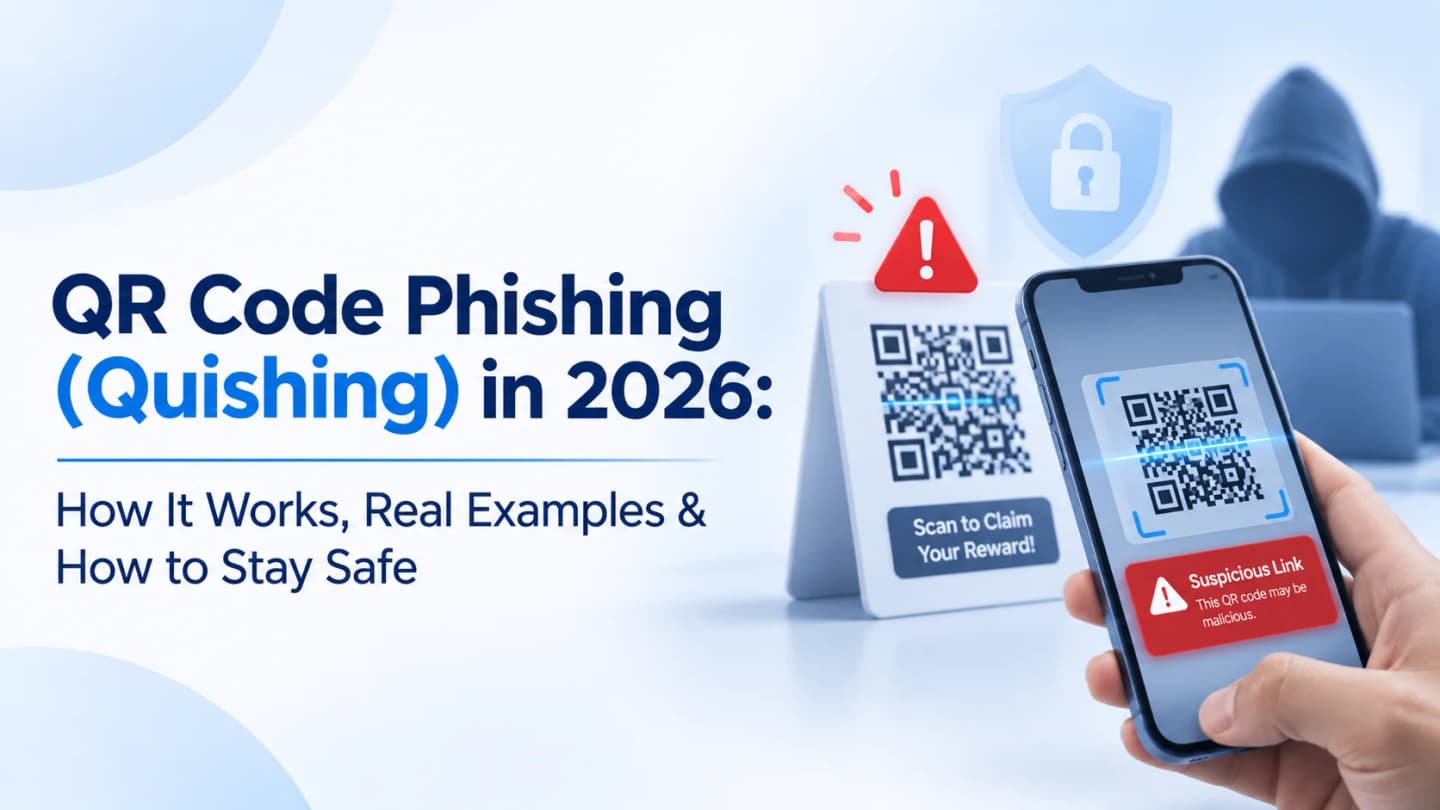
Quishing is phishing that hides the malicious link inside a QR code. Because you cannot read a QR code's destination by eye, and scanning often moves you from a protected work PC to a personal phone, it slips past defenses that inspect text links. Check the source, preview the URL before opening, and never enter credentials after an unexpected scan.
In This Guide
Why QR Codes Became a Phishing Tool
What Is Quishing?
What the Latest Data Shows (Q3 2026)
How a Quishing Attack Works: 5 steps
4 Real-World Examples
Why Quishing Is Hard to Detect
How to Spot a Malicious QR Code
How to Prevent It
Scanned a Suspicious Code? Do This
FAQ, Bottom Line and Keep Reading
Quick answer: A QR code is not malicious; its destination can be. Verify the source, preview the URL, and go to the real site yourself when a code asks for a login or payment.
Why QR Codes Became a Phishing Tool
People scan QR codes for menus, payments, Wi-Fi, app downloads and websites. The convenience that cuts steps also lets criminals hide a destination.
A code on a legitimate-looking poster, an email attachment or a payment notice can send you to a fraudulent site, and the click can jump from a managed laptop to a personal phone where URL inspection and company security are weaker.
What Is QR Code Phishing (Quishing)?
Quishing is social engineering that uses malicious QR codes to send victims to fraudulent websites, credential-harvesting pages, payment scams or other harmful destinations.
A QR code itself is just stored data, usually a web address. The risk lies in where it leads and what you do next.
Example: an attacker encodes a link to a fake Microsoft 365 login page. An employee scans it on a phone and types work credentials. The attacker captures them and tries to access the account.
Where quishing shows up:
QR codes embedded in phishing emails
Codes inside PDF or Word attachments
Fake stickers placed over legitimate payment codes
Fraudulent codes on posters and ads
Codes sent by text message
Codes in unsolicited packages
What the Latest Data Shows (Q3 2026)
Per Microsoft's Q3 2026 Email Threat Landscape report:
Finding | Detail |
|---|---|
Volume | ~12.1 million QR code phishing attacks in Q3, down 67% from Q2 and 86% below the March peak |
Delivery by file type | PDFs were 78% of QR attacks in July and August and 61% in September; DOC/DOCX 14% rising to 20% |
Email-embedded QR codes | Rose from 5% of attacks in July to 12% in September, a small but growing category |
A real campaign | In August 2026, a campaign targeting legal organizations used personalized salary-review Word documents with QR codes leading to device-code phishing |
Volume is down, but Microsoft notes the underlying challenge, a user moving from a managed device to a phishing page on a personal phone, is unchanged. Lower volume is not lower risk.
How a Quishing Attack Works: 5 Steps
Step | What Happens |
|---|---|
1. Create the code | Attacker encodes a link to a fake login, payment or other malicious page |
2. Distribute it | Via email, PDF, printed ads, fake payment notices, public posters or text messages. Example: an email claiming an account needs urgent verification, with a QR code instead of a link |
3. Push you to scan | Urgency or convenience: "account expires soon", "payment needs confirmation", "document waiting for approval", "subscription renewal", "verification incomplete" |
4. Redirect | The phone opens the encoded destination, sometimes through several redirectors, ending on a convincing lookalike page |
5. Capture or manipulate | The page asks for credentials, payment details, personal information, app installs or device permissions |
Important:
Scanning a QR code does not automatically infect a device. The risk depends on the encoded content, the destination, the device and what you do after scanning.
4 Real-World Quishing Examples
Example | How It Works | Potential Impact |
|---|---|---|
Fake account-verification email | A QR code, not a link, tells an employee to scan to verify Microsoft 365; it leads to a fake sign-in page | Stolen credentials, account takeover |
Tampered payment QR codes | A fraudulent sticker covers the real code at a restaurant, parking area or shop, redirecting the payment. The FBI has warned about this tactic | Financial loss, exposed payment data |
Fake document-sharing notice | A PDF says a colleague shared a file; scan to open; it opens a credential-harvesting login | Compromised business accounts |
Fake delivery notification | A message says delivery needs confirmation or a fee, with a QR code to reschedule or pay | Payment fraud, identity data theft |
The FBI has also warned about unsolicited packages containing QR codes used to start fraud schemes.
Why Quishing Is Hard to Detect
Reason | Why It Matters |
|---|---|
Hidden destinations | A hyperlink can reveal a suspicious domain on inspection; a QR code shows nothing until scanned and decoded |
Desktop to mobile jump | Many phishing emails arrive on a work PC. Scanning with a personal phone moves the interaction outside email and endpoint controls, often on unmanaged devices |
Trusted physical settings | A code on a restaurant table, parking meter or official-looking notice feels safe, so replacing it works |
Email security limits | Some tools inspect text URLs and attachments but not QR codes embedded in images or documents. Microsoft has documented attackers using QR codes in images, PDFs and Word files to reach credential-harvesting sites |
This does not make email security tools useless; it means QR inspection belongs in your layered defense.
How to Spot a Malicious QR Code: 5 Checks
Check the source. Be cautious with codes in unexpected emails, unsolicited packages, unknown ads, unverified payment notices, suspicious texts and stickers of unclear ownership.
Preview the URL. Many phone cameras show the destination before opening it. Look for misspelled brands, unfamiliar extensions, odd subdomains, URL shorteners and domains that imitate real services. A familiar logo proves nothing.
Inspect physical codes. Look for a sticker over the original or signs of tampering; compare with the code on the organization's official site or app.
Distrust urgency. Messages demanding immediate verification, payment or authentication through a QR code should be verified independently.
Refuse unexpected downloads and permissions. Install apps only from official stores.
How to Prevent QR Code Phishing
For Individuals
Habit | Why |
|---|---|
Verify before scanning | Scan only expected codes from trusted sources; otherwise go to the service via its app or an address you type |
Inspect the URL | Check the domain and redirects |
Don't enter credentials through an unexpected QR link | Navigate to the service independently |
Verify payment requests | Confirm the code belongs to the intended merchant or recipient |
Keep devices updated | Patches reduce exposure to known vulnerabilities |
For Organizations
Control | What to Do |
|---|---|
QR-aware email security | Extract and analyze URLs from QR codes in email bodies and attachments where tools support it |
Mobile security | Employees may scan on personal phones; set mobile policies and consider mobile threat defense or MDM where risk justifies |
Awareness training | Teach that QR codes can hide deceptive destinations; cover email attachments, payment notices, authentication requests and public locations |
Secure payment procedures | Control how payment QR codes are generated and displayed; inspect physical displays and give customers ways to verify |
Easy reporting | Make it simple to report unexpected QR codes, odd attachments and unusual authentication requests |
Authentication monitoring | Watch unusual sign-ins, suspicious sessions and account changes; use passkeys or FIDO2 where possible |
Test it safely: a quishing exercise (a QR code leading to a controlled training page) shows who would scan and who would report.
See What Is Phishing Simulation?
Scanned a Suspicious QR Code? Do This
Don't enter information: no passwords, payment details or personal data.
Close the page and stop interacting.
Avoid downloads: do not install apps or approve permissions.
Report it: if it came through a work channel, tell IT or security.
Change exposed credentials through the legitimate service and revoke suspicious sessions if you entered a password.
Review account activity for unfamiliar logins, changes or transactions.
Get help: if you installed an app or granted permissions, contact your security team or a qualified professional.
If financial information was exposed, contact your bank promptly. Early reporting limits damage.
Frequently Asked Questions
What does quishing mean?
QR code phishing: using malicious QR codes to send victims to fraudulent sites or other deceptive destinations.
Can scanning a QR code hack my phone?
Not automatically. A malicious code can lead to phishing sites or unsafe downloads, and device vulnerabilities can add risk.
How can I tell if a QR code is fake?
Check the source, inspect the code for tampering, preview the URL and confirm the site belongs to the right organization.
Can PDFs contain malicious QR codes?
Yes. Attackers embed QR images in PDF and Word documents.
How is quishing different from regular phishing?
Both deceive victims; quishing uses a QR code instead of a clickable link to conceal the destination.
Can organizations detect it?
Yes, with security tools that decode QR codes and inspect their URLs, combined with mobile security and awareness.
What is the safest way to pay with QR codes?
Confirm the code belongs to the right merchant, preview payment details and recipient before authorizing, and avoid codes from unverified messages or stickers.
Bottom Line
QR codes make life faster, but convenience should never replace verification. For individuals: verify the destination. For organizations: QR-aware email security, mobile safeguards, awareness training and simple reporting.
A QR code may hide the destination, but it should never hide the need for verification.
Build Your Team's QR Phishing Awareness
PhishTop by Penough helps you run controlled phishing simulations, review reporting behavior and deliver teachable-moment training, so employees practice checking before they scan.
Explore PhishTop or read the full Phishing Email Security Guide.
Keep Reading
Guide | Why |
|---|---|
The pillar overview | |
Targeted lures | |
Run a QR simulation |
References:
Microsoft Q3 2026 email threat landscape · FBI IC3: tampered QR codes · FBI: unsolicited packages with QR codes · Microsoft Learn: phishing trends · Canadian Centre for Cyber Security: QR codes · FBI: Kimsuky QR spearphishing